
9 designs, your colour
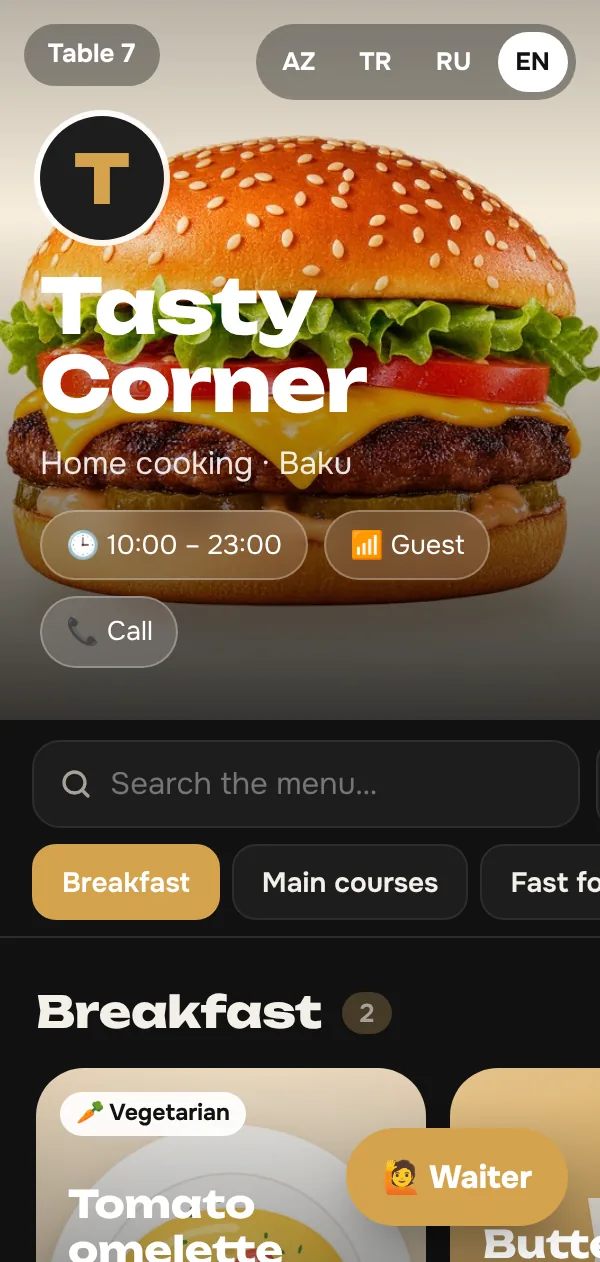
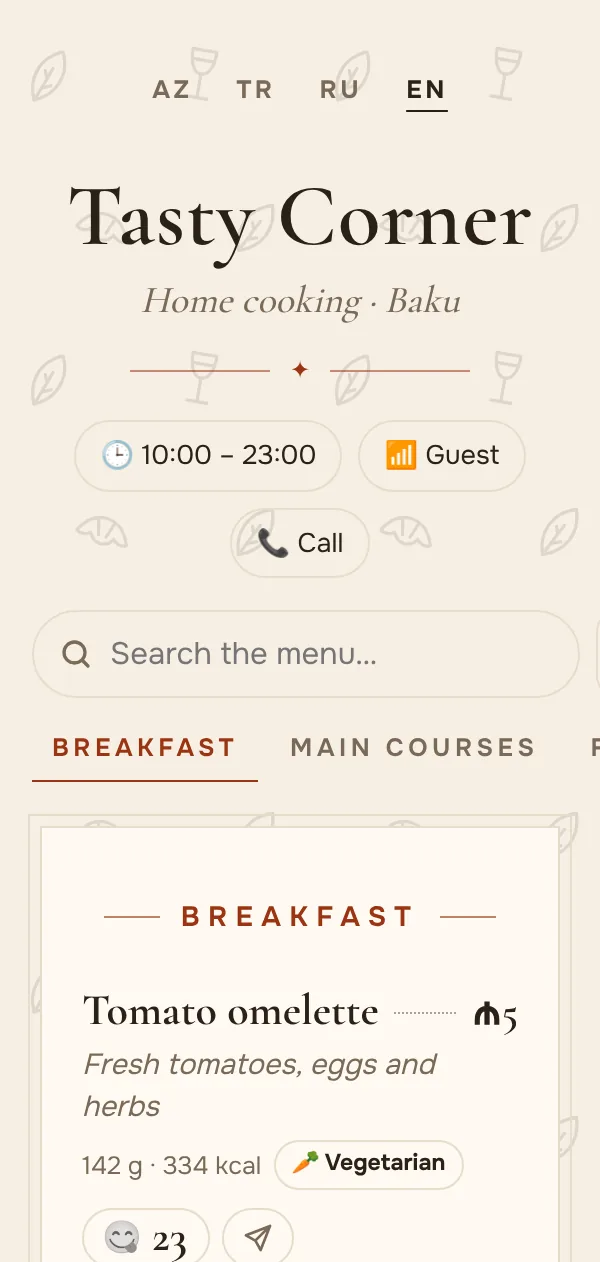
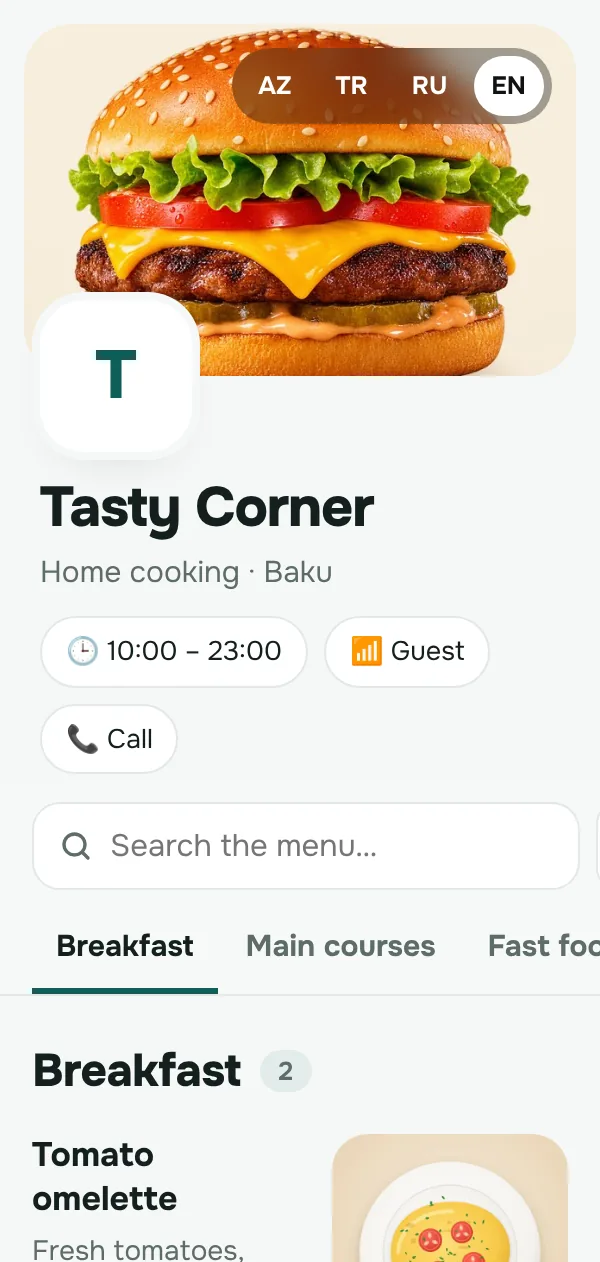
App, Showcase, Restaurant card, Bento, Poster and more. 13 colour palettes, 12 background patterns, your logo and a cover photo.
With Qramio your QR menu is ready in a minute. Dishes, prices, photos and calories come from the app on their own. Guests scan the code on the table and read the menu in their language.
Android · v1.48.5 · 19.5 MB
You create the menu in the Qramio app, then edit it from your phone or on this website.
Your menu’s addressyour-restaurant.qramio.menu
No separate website, designer or developer needed.
Build your menu in the Qramio app or import it from Excel. Prices, photos and ingredients are already there.
Open the “QR menu” tab in the app and choose dishes, sections, a design and a colour. Your menu is live right away.
Print QR table cards with numbers. Guests scan the code and the menu opens — no app to install.
Simple and beautiful for guests, easy to run for you.
App, Showcase, Restaurant card, Bento, Poster and more. 13 colour palettes, 12 background patterns, your logo and a cover photo.
Guests call the waiter or ask for the bill from the table, and the team’s phones ring at once. You can switch it off.
Guests like their favourite dishes and send them to friends. The most liked show up in your statistics.
A dish runs out — a cook, bartender or waiter marks it in one tap, and the menu shows it as sold out at once.
Azerbaijani, Turkish, Russian and English. The menu opens in the language of the guest’s phone.
Change a price in the app and the menu updates at once. Ingredients, calories, macros and allergens come from the recipe.
Vegan, vegetarian, allergen-free or light — guests filter the menu to suit them.
Print-ready cards in A6, A5 and A4. The table number shows in the guest’s menu.
How many people looked, at which dishes, at what time and from which table — all in the app.
Edit the menu in the app on your phone or at qramio.menu. Changes show in both places.
Costs, recipes and food cost are never shown to guests.
The menu opens in a second and works on a weak connection. Guests install nothing.
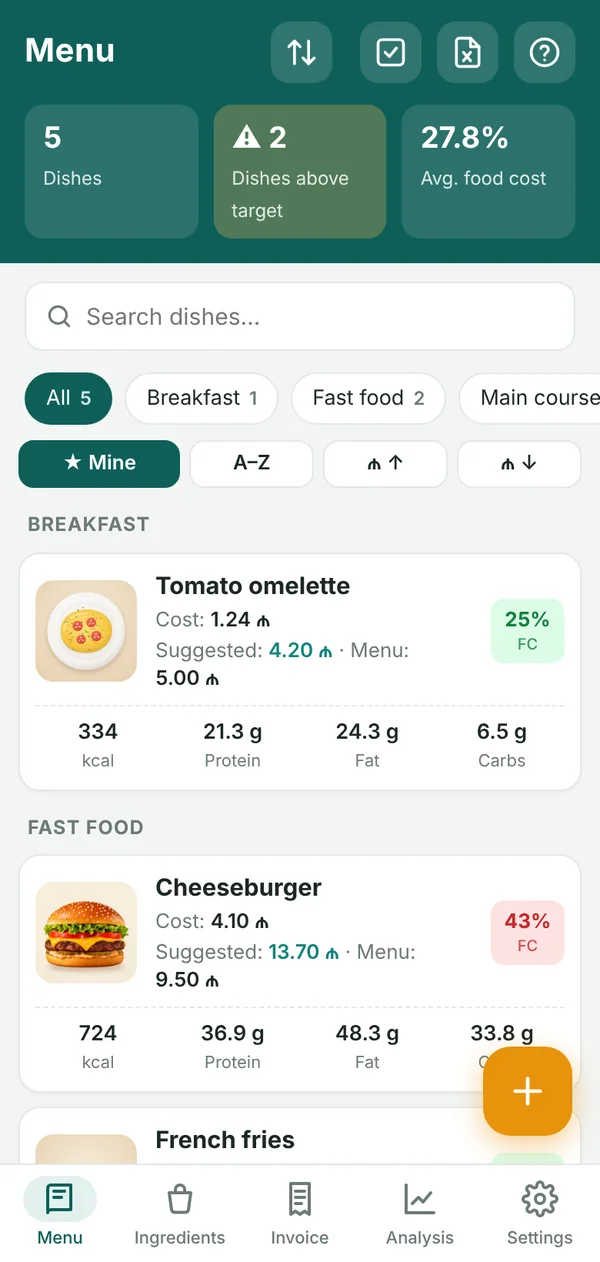
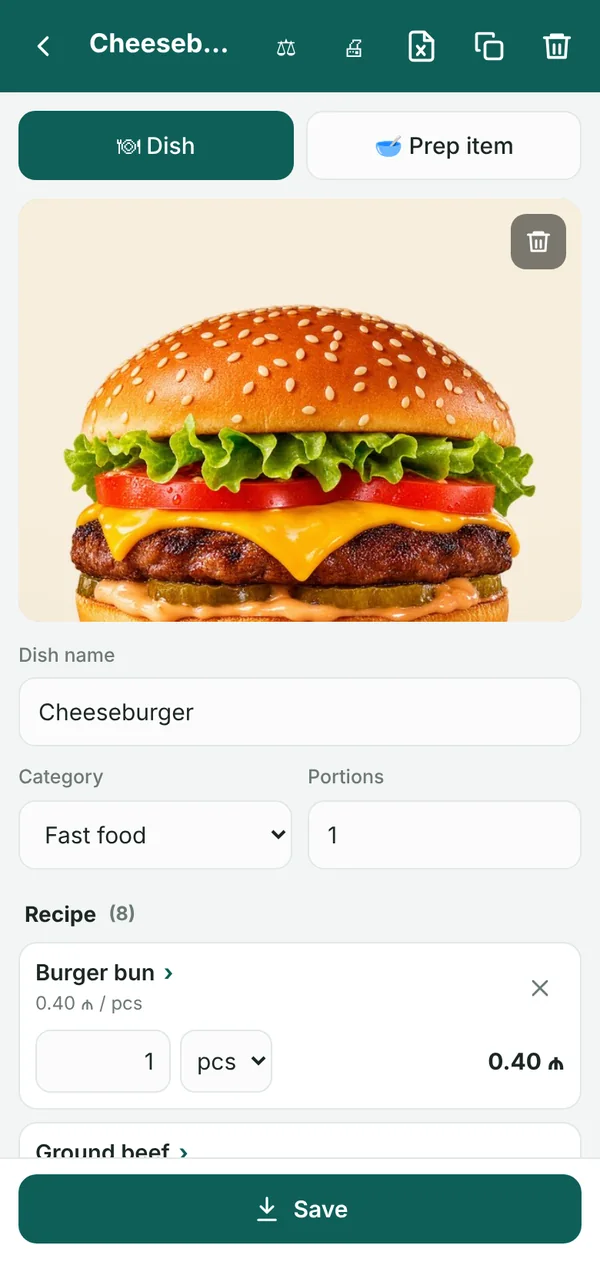
Qramio is a food cost app for restaurants and chefs. It works out the cost of every portion to the gram and keeps track of stock and monthly profit.
No. Guests scan the QR code with their phone camera and the menu opens in the browser.
Change a dish’s price or photo in the app and the QR menu updates by itself. You can also change the design, sections and translations on qramio.menu.
Yes, if you switch it on. Guests call the waiter or ask for the bill from the table, and the team gets a notification. If your restaurant isn’t ready for it, it stays off and guests don’t see the button.
No. The code always leads to the same address, and the menu itself can change at any time.
No. Guests only see what you choose: name, description, price, photo, calories, weight and allergens.
Tap “Sign in” and use the same e-mail or Google account as in the app. The menu is created in the app the first time.

Get the app, create your menu and put the QR code on your tables.